Stylish is a browser plugin were it can change the look of your favorite websites. After you have installed the plugin, you can go to userstyles.org to browse and add the different styles that are available. An example of styles I have added. | |
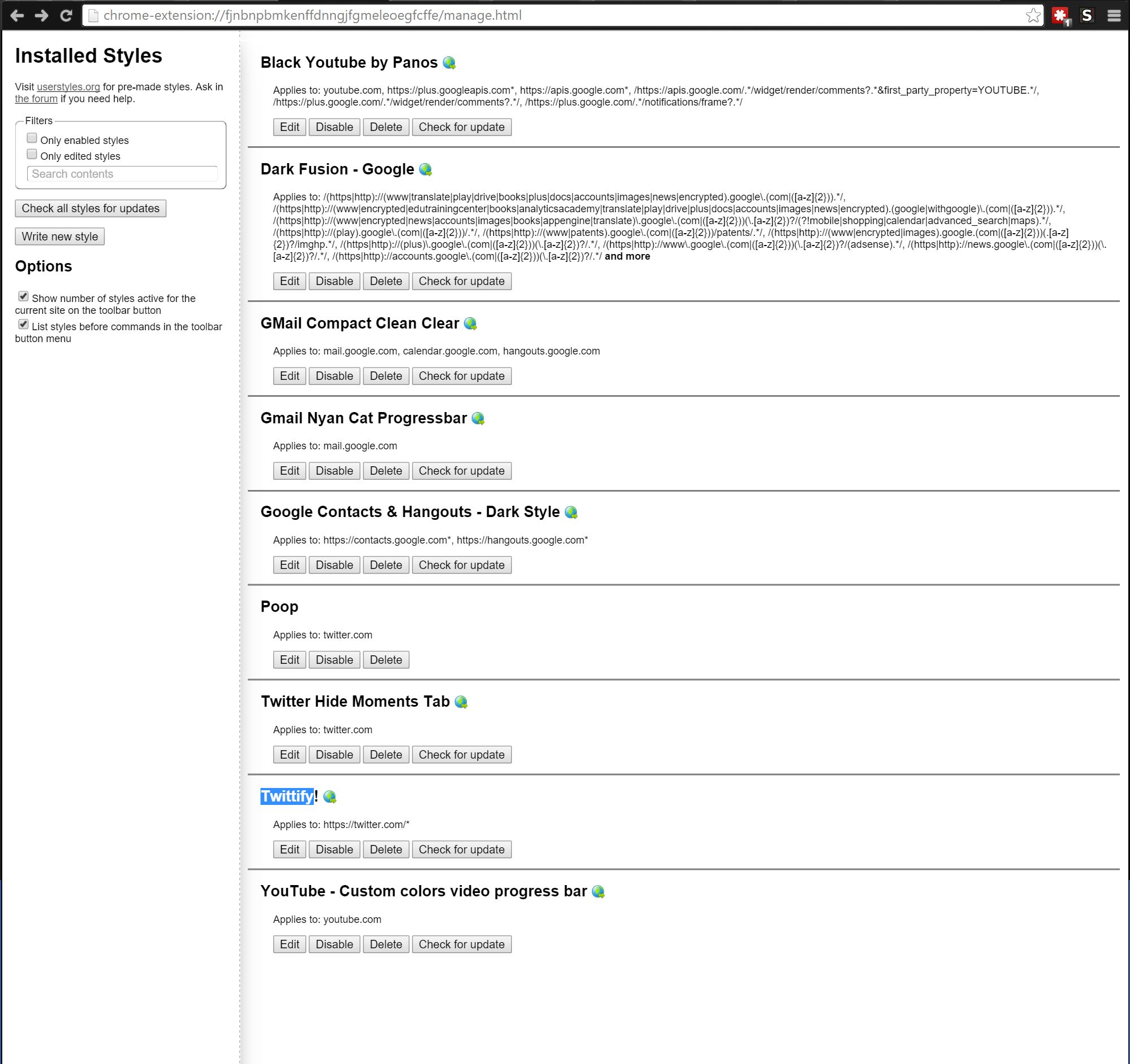 | |
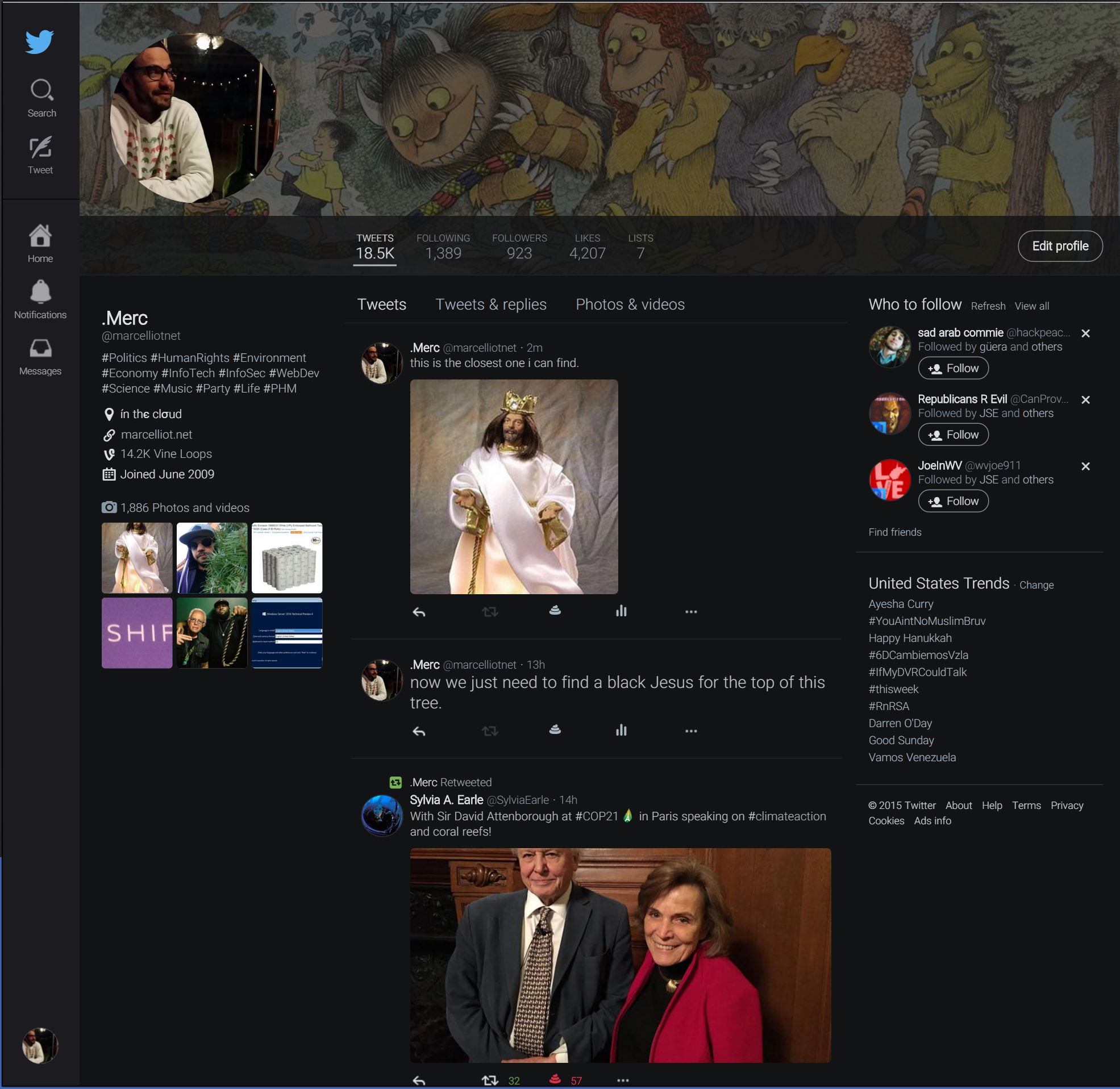
| The Twitter styles I use are: Twittify!, Twitter Hide Moments Tab, and a custom style that changes the heart like icon to any emoji of your choosing. Just copy the code below and replace the poo with whatever emoji you want. | |
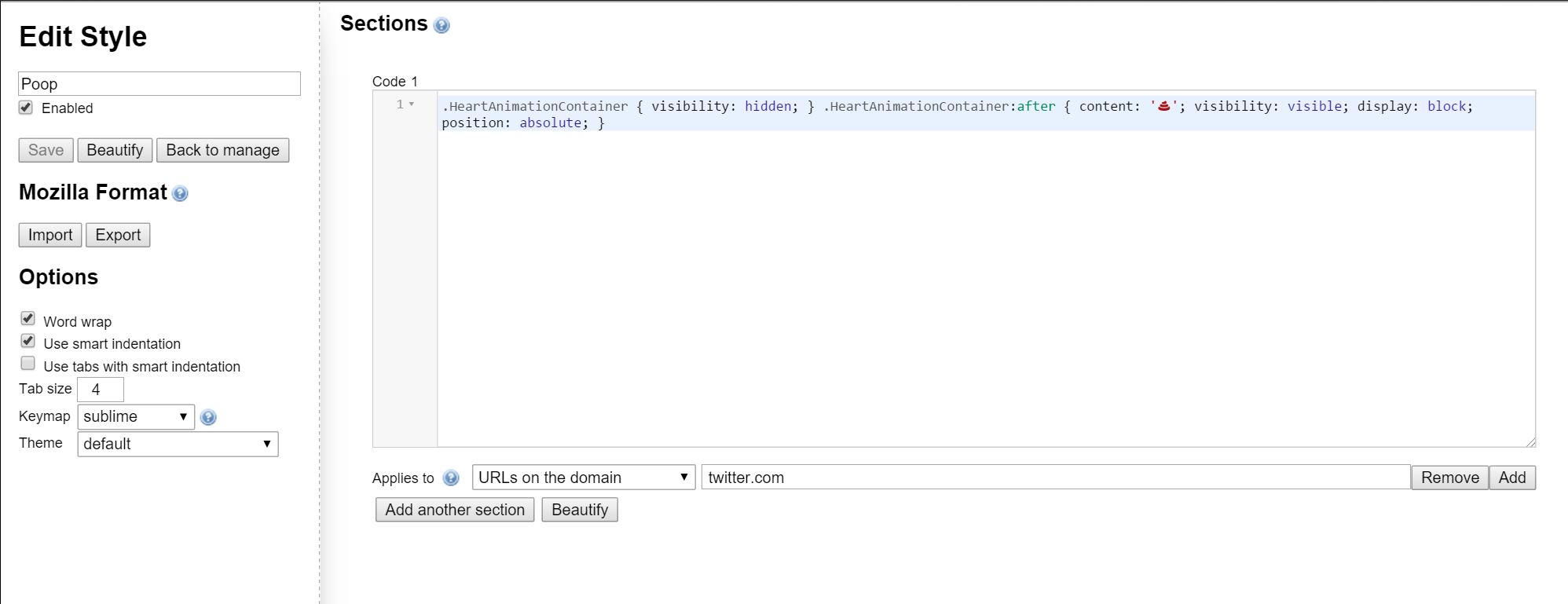 | |
| .HeartAnimationContainer { visibility: hidden; } .HeartAnimationContainer:after { content: ‘?’; visibility: visible; display: block; position: absolute; } | |
 |  |
Tag: Twitter
Stylish: Browser Plugin


How to Tweet Instagram Photos
If you follow me on Twitter you might have noticed Instagram pictures in my Twitter feed. This is possible with ifttt.com. It’s a site were you make “recipes”. Like in this example if I post a photo to Tumblr it posts to my Twitter. If you have a Tumblr you might want to start another one just for this. I didn’t have a Tumblr before this, so all I use it for is getting Instagrams to my Twitter.


After you sign up for an account with ifttt.com you can either create the same recipes as in the screenshot or search for it. You have to authorize both your Tumblr and Twitter accounts. Then in Instagram on your phone make sure you can post to your Tumblr account, and that’s it. Once you take and picture with Instagram and post it to Tumblr, Ifttt.com checks if any recipes have been matched then posts your Tumblr photo as a pic on twitter, not just as a link to instagram.
